Login to Capture
Login to Capture
- Using a web-browser display your organisation’s FLAIM Capture Login Page.
- The FLAIM Capture Login Page will now be displayed.
- Type the email address associated with your FLAIM Capture account into the “Email” field.
- Type the password associated with your FLAIM Capture account into the “Password” field.
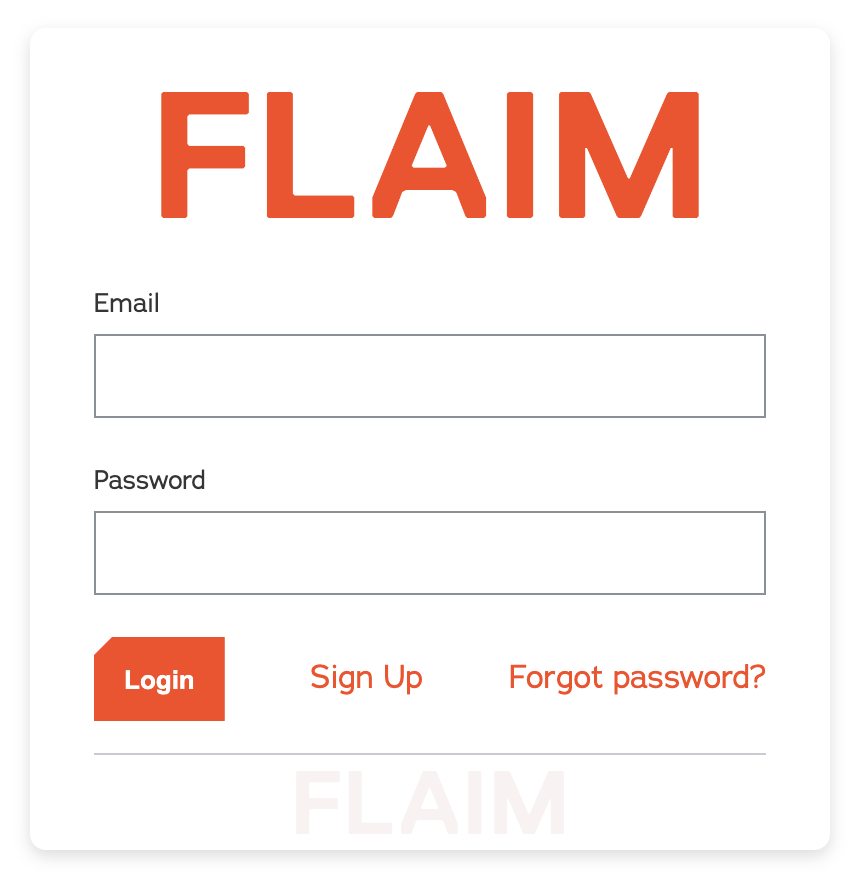
- Click on the Login button.
Note: If the details you entered are incorrect, a “Login Failed” message will be displayed. - If the details you entered are correct the Capture Dashboard will be displayed.